
Invoices Processed Per Year
Transactions Processed Per Year
Runs On Marg ERP Software
Businesses Served Worldwide
Sales & Support Centers
Sales & Service Professionals

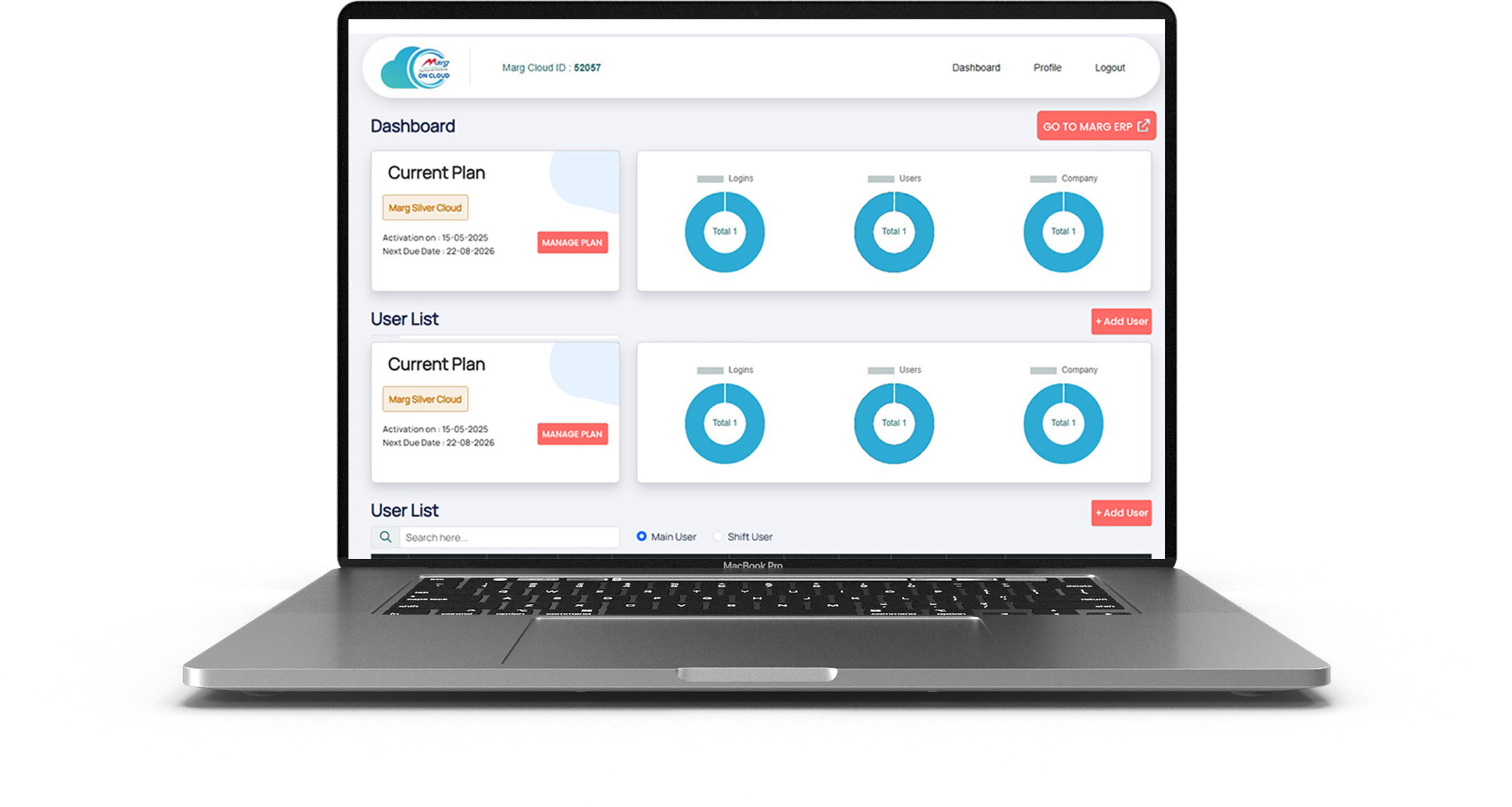
With Marg Cloud, access all users and branch locations on a single platform. Your team can log in from anywhere and work on the same data in real time, ensuring smooth coordination, faster decisions, and uninterrupted business operations.

Your data stays protected with Azure’s advanced security and default encryption. With controlled user access, separate passwords, and automatic backups, you can eliminate risks of data loss or theft and stay worry-free.

Marg Cloud gives you full access to all Marg ERP features through any browser. Create invoices, file GST returns, and view reports anytime while managing your entire business with better visibility and flexibility.

Protect your business data with strong security controls. Block unauthorised IP access, prevent unknown logins, and ensure secure remote access with authentication.

Continue using your existing dot-matrix printers even when running Marg ERP in the cloud. Print invoices instantly without changing your billing setup.

Access Marg ERP from laptop, desktop, tablet, or mobile. Monitor sales, stock, and reports anytime from office, home, or while travelling.

Print invoices instantly without preview delays. Perfect for high-volume billing counters where speed and efficiency matter.

Built on Microsoft Azure infrastructure with up to 99% uptime, ensuring smooth performance and uninterrupted access to your business data.

Enjoy 28 automatic backups with daily scheduling. Your data remains safe from loss, theft, or system failures.
Marg ERP offers innovative and beneficial features that are easy to understand, making it the perfect fit for all types of businesses to boost overall business profitability. Take your business to new heights of success by watching Marg ERP videos and experiencing the difference it can make.
Book Demo
Run your business securely, efficiently, and from anywhere with Marg ERP Cloud.

Access your Marg ERP system from office, home, or while travelling with secure cloud login.

Your business data stays protected with secure servers, authentication controls, and access monitoring.

Run your ERP on cloud without investing in local servers, IT infrastructure, or maintenance.

Your data is automatically backed up on cloud servers, ensuring zero risk of data loss.


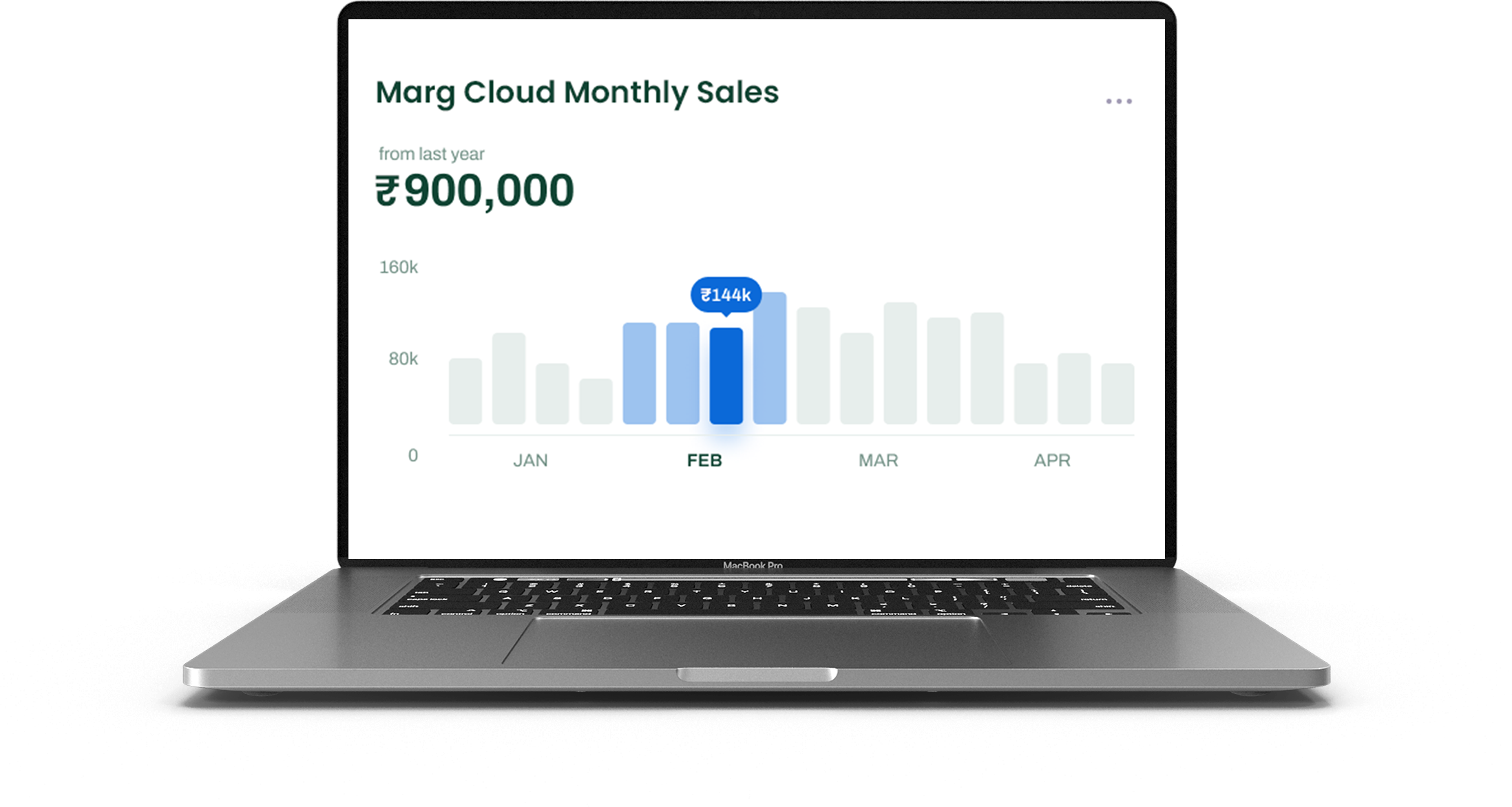
Get live sales, stock, and financial reports anytime to make better business decisions.

Experience smooth billing, quick report generation, and fast software performance on cloud.

Allow multiple team members to work simultaneously with role-based permissions.

Whether you run a retail store, distribution business, or multi-branch enterprise, Marg Cloud grows with you.






If you still have the Codex issue, here’s what to try:
: On Steam, right-click the game in your library, select Properties , then Installed Files , and click Verify integrity of game files . This repairs any corrupted data.
Navigate to the game installation directory and locate the folder named PawPatrol_Data . Locate the globalgamemanagers file.
This public link is valid for 7 days and shares a thread, including any personal information you added. This link or copies made by others cannot be deleted. If you share with third parties, their policies apply. Can’t copy the link right now. Try again later.
The game often tries to force an unsupported refresh rate or resolution configuration at startup, triggering a fatal application error.
If you are playing the game on a PlayStation, Xbox, or Switch, the solutions are different but still simple.
: Open a terminal inside the PawPatrol_Data folder and execute the following hex-patch to bypass the broken resolution selector:
Ensure the path points to a non-restricted directory, or change the default path to a local folder inside the game directory itself. Save the file and restart the game.
Complete Feature Comparison Chart CLOUD CAPABILITIES
| Feature | Marg ERP Cloud | Other Cloud ERP |
|---|---|---|
| Cloud Capabilities | ||
| Quick Access, Seamless Experience Tablet, Mobile & Web (Anywhere) | Yes | No |
| Multi-User Access | Yes | Yes |
| Auto Backup & Security | Azure Backup | Backup on normal server |
| System-Wise IP Blocking for Unauthorized Access | Yes | No |
| No Need to Maintain Separate Server | Yes | No |
| Printing | ||
| Direct Printing | Yes | No |
| DMP Bill Printing | Yes | No |
| Customization & Integration | ||
| User Role Management | Yes | Yes |
| Performance & Security | ||
| Fast & Reliable Performance | Yes | Yes |
| Encrypted Data Protection | Yes | Yes |
| Customer Support | ||
| 24/7 Dedicated Support | Yes | No |
| Training Resources & Onboarding | Yes | Yes |
If you still have the Codex issue, here’s what to try:
: On Steam, right-click the game in your library, select Properties , then Installed Files , and click Verify integrity of game files . This repairs any corrupted data.
Navigate to the game installation directory and locate the folder named PawPatrol_Data . Locate the globalgamemanagers file.
This public link is valid for 7 days and shares a thread, including any personal information you added. This link or copies made by others cannot be deleted. If you share with third parties, their policies apply. Can’t copy the link right now. Try again later.
The game often tries to force an unsupported refresh rate or resolution configuration at startup, triggering a fatal application error.
If you are playing the game on a PlayStation, Xbox, or Switch, the solutions are different but still simple.
: Open a terminal inside the PawPatrol_Data folder and execute the following hex-patch to bypass the broken resolution selector:
Ensure the path points to a non-restricted directory, or change the default path to a local folder inside the game directory itself. Save the file and restart the game.

© 2026 Express Thread. All rights reserved.
©2026 | All Right Reserved by Margcloud & Powered by Marg ERP Ltd.